BASIC
4,90 € /month
- ✓ PDF / Menu Pages
- ✓ 2 languages
- ✓ Logo & background
- ✓ QR code
Choose the right solution for your business.
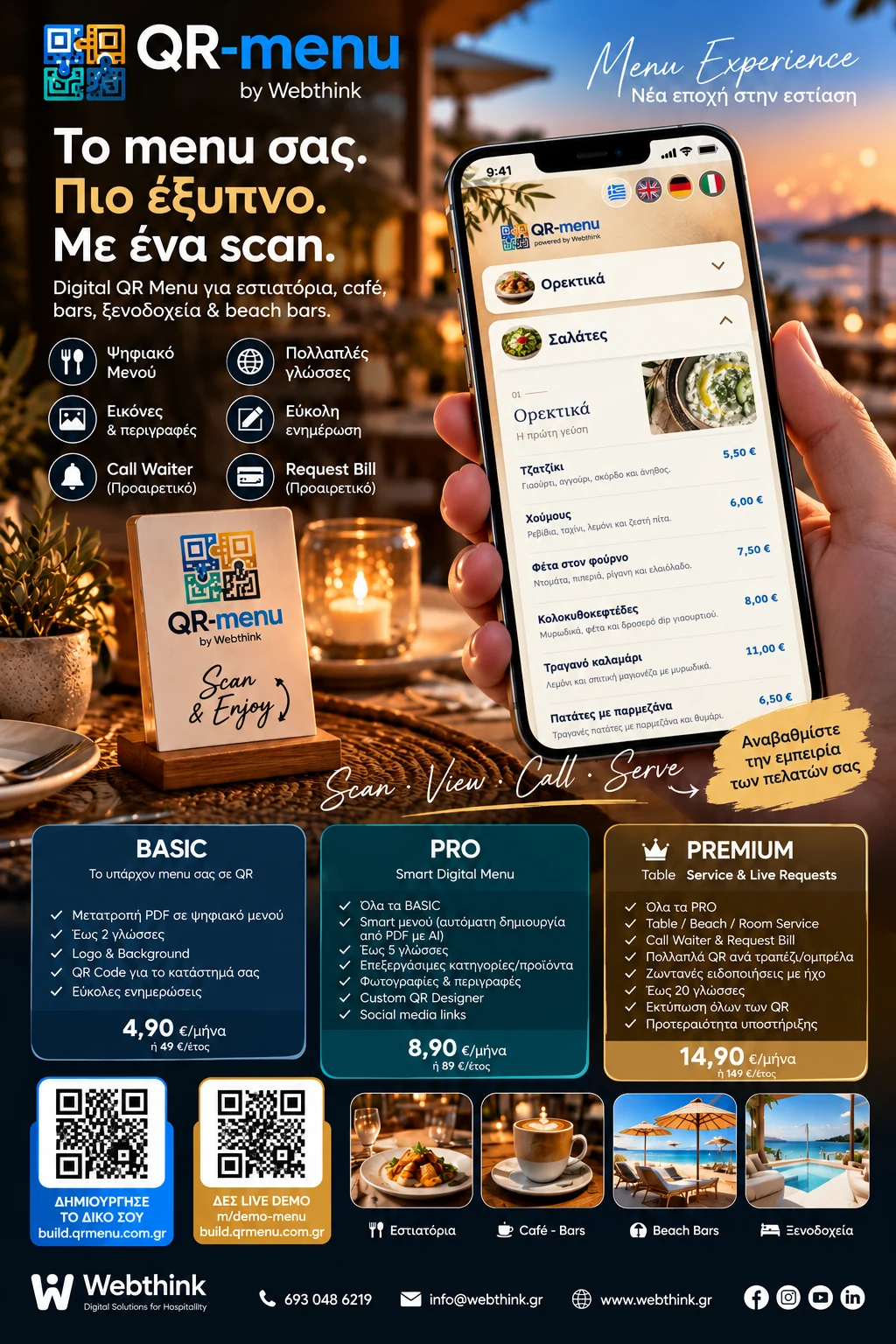
For businesses with an existing PDF menu. Publish it through QR, add your logo and background, support up to two languages, and update your content without replacing the QR.
Everything in BASIC, plus an AI-assisted Smart Digital Menu imported from PDF, editable categories, products, prices, descriptions and photos, social links and QR design. Review imported content before publishing.
Everything in PRO, plus unique QR codes for tables or service locations, call waiter, request bill, and live request tracking from the dashboard.
Start with a 14-day free trial and choose a plan afterwards.
Confirm final pricing and feature availability on the registration platform.
No. They simply scan the QR code using their phone camera.
Yes, update them in your dashboard; the QR code stays the same.
Create an account on the platform and explore the available features.
Yes, you can start a 14-day free trial on the platform.
No. The same QR code opens your updated menu.
Yes. You can display PDF pages or use available Smart Menu import features, depending on your plan.
Yes. The available languages depend on your plan.
Smart Digital Menu supports product photos, depending on your plan.
Guests can call a waiter or request the bill from their phone, on plans supporting this feature.
With Table Service, each table can have a unique QR code pointing to the same menu.
No. You manage your menu from the platform dashboard.
You can download QR codes and contact a professional printer such as koutourinis.gr.
Yes. Open the Demo to see the menu on a smartphone.
Create your QR Menu and contact a professional print shop for table cards, stickers or printed displays.